1. Initial Assessment: The process begins with a comprehensive assessment of the supermarket’s specific needs and requirements. This includes analyzing the size of the store, the volume of daily transactions, the range of products, and any unique features or services offered.
2. System Selection: Based on the assessment, a suitable POS system is selected. This system should cater to the supermarket’s specific needs, such as support for various payment methods, inventory management, and integration capabilities with other software or hardware.
3. Hardware and Software Setup: The chosen POS hardware and software are set up and configured according to the supermarket’s requirements. This involves installing the necessary software on designated terminals, connecting hardware components like barcode scanners, receipt printers, and cash drawers, and ensuring they work seamlessly together.
4. Employee Training: Staff members receive comprehensive training on how to use the new POS system. This training covers basic transaction processing, inventory management, and troubleshooting common issues.
5. Testing and Quality Assurance: Before going live, the POS system undergoes thorough testing and quality assurance. This step ensures that all hardware and software components are functioning correctly and that any potential issues are addressed.
6. Go-Live and Transition: Once the system is tested and staff is trained, the supermarket is ready to go live with the new POS system. Transitioning from the old system to the new one is carefully coordinated to minimize disruptions to daily operations.
7. Ongoing Support and Maintenance: A process result includes a plan for ongoing support and maintenance. This involves regular updates, troubleshooting, and addressing any issues that may arise during day-to-day operations.
8. Monitoring and Reporting: The deployed POS system provides real-time monitoring of sales, inventory, and other crucial data. It generates reports that help the supermarket make informed decisions and optimize its operations.
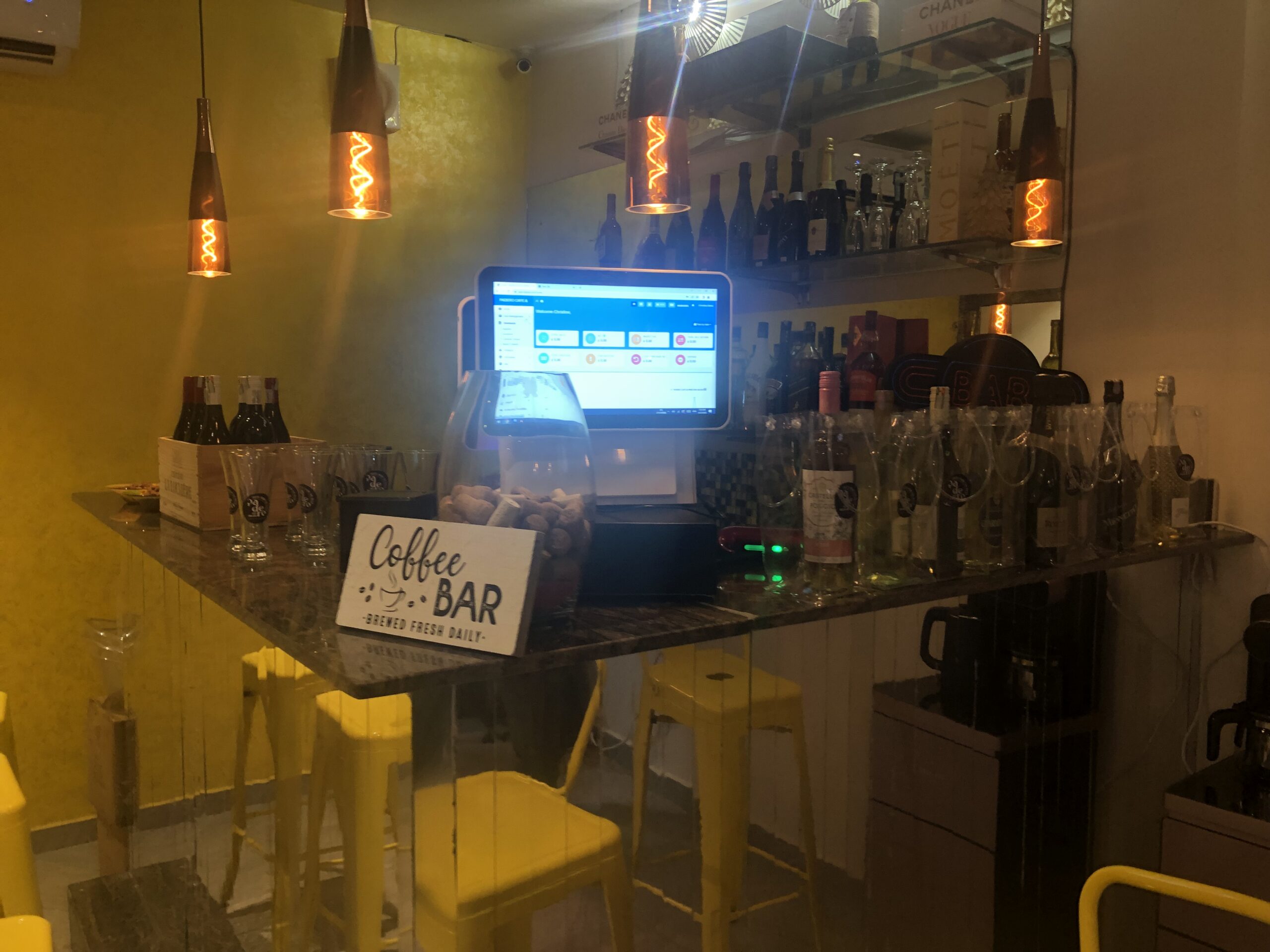
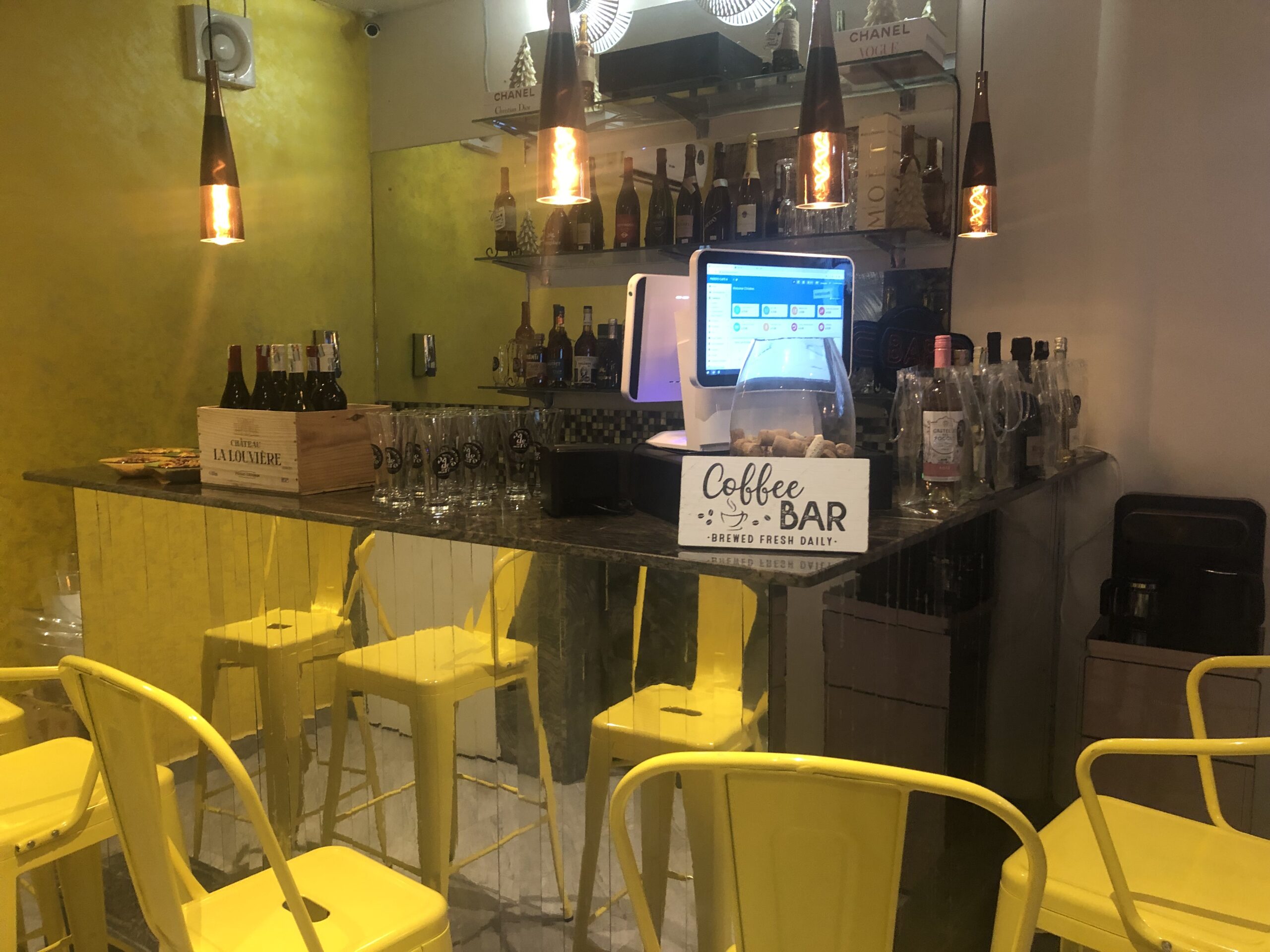
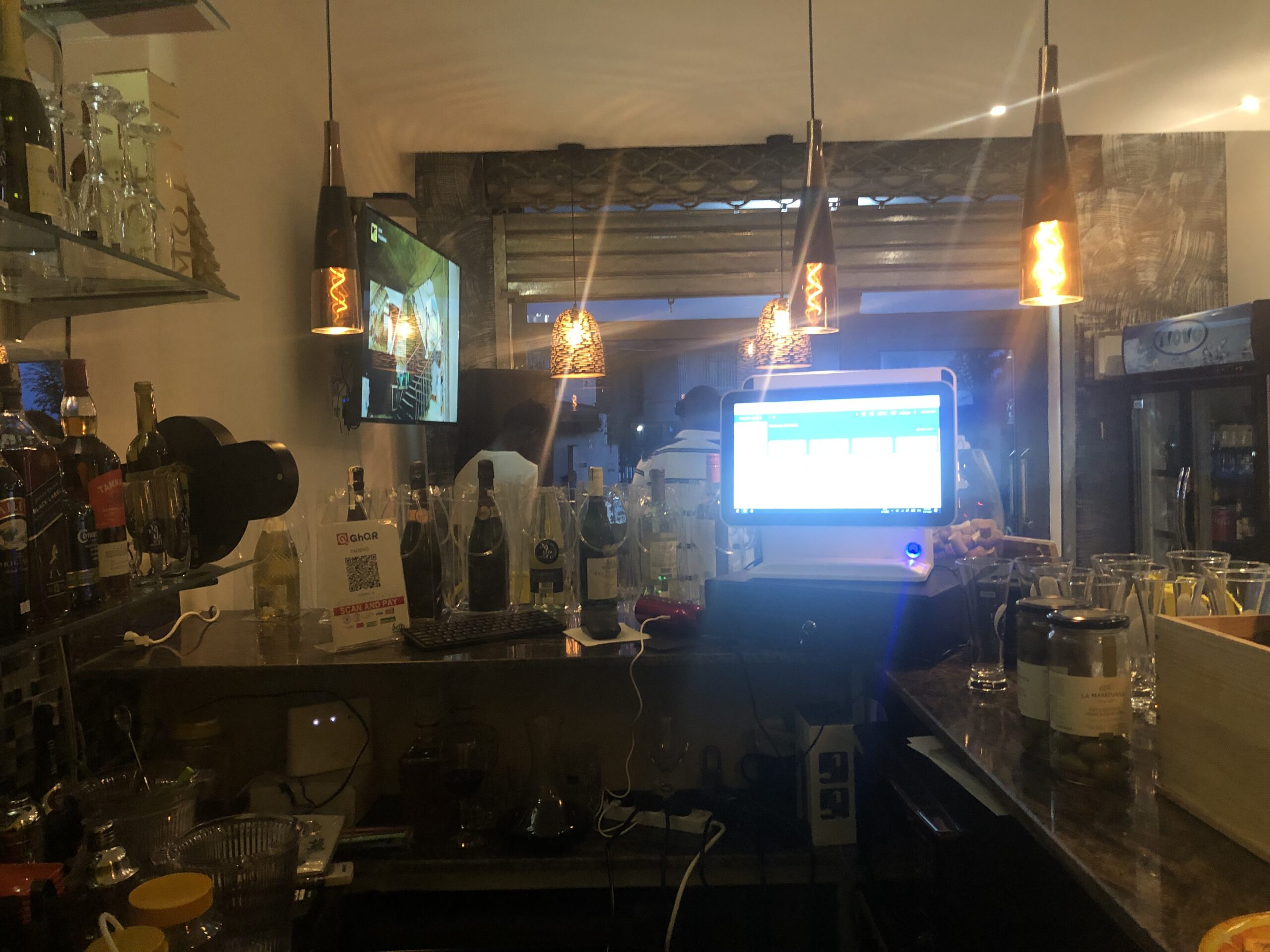
A well-executed POS system deployment results in a Cafe & Bar that can efficiently manage sales, inventory, and customer data while providing a seamless checkout experience for customers. It helps the Cafe and Bar stay competitive, reduce errors, and improve overall operational efficiency.









 Lightning-Fast Transactions